Online Story Page
Create unforgettable stories – with you, your ancestors, and other participants. Let unique moments be automatically transformed into vivid stories – individually designed, creatively told, and accessible at any time.
Whether for yourself or as a special gift: design stories with images and audio – professionally crafted, elegantly presented, and fully under your control. Stories are easily created from keywords or short sentences that you enter yourself or generate with the help of an integrated chat.
Example Page: Football Club
Example Page:
FAQ
Q: How do I get started with the storytelling platform?
A: (1) Create a profile, (2) add a profile note with character information, (3) the AI automatically generates configurations, (4) define your keywords, (5) start your first story with “Create now” or schedule automatic publications.
Q: Which plan is right for me?
A: That depends on your needs—such as how many profiles, configurations, and stories you require per month. Each plan clearly shows the available features.
Q: How does automatic story generation work?
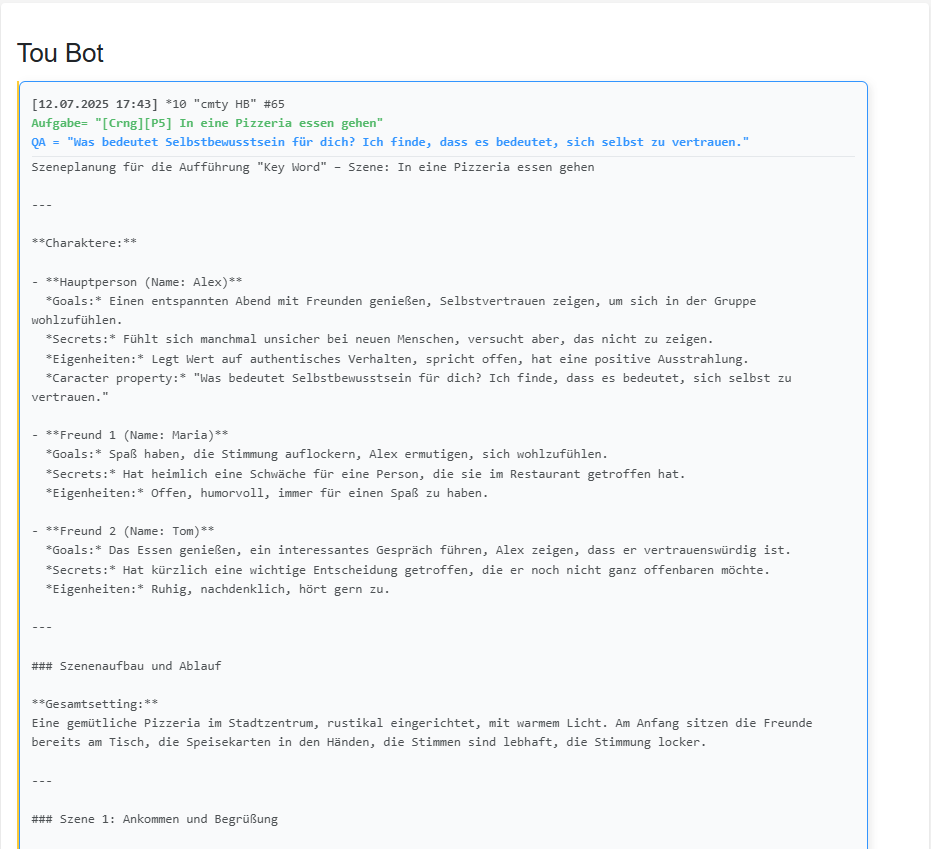
A: Each story is dynamically created based on your configured player profiles, group IDs, and keywords. The AI combines character traits with thematic guidelines to produce a unique story—available as text, with AI-generated images, or including audio output.
Q: Can I trigger stories manually?
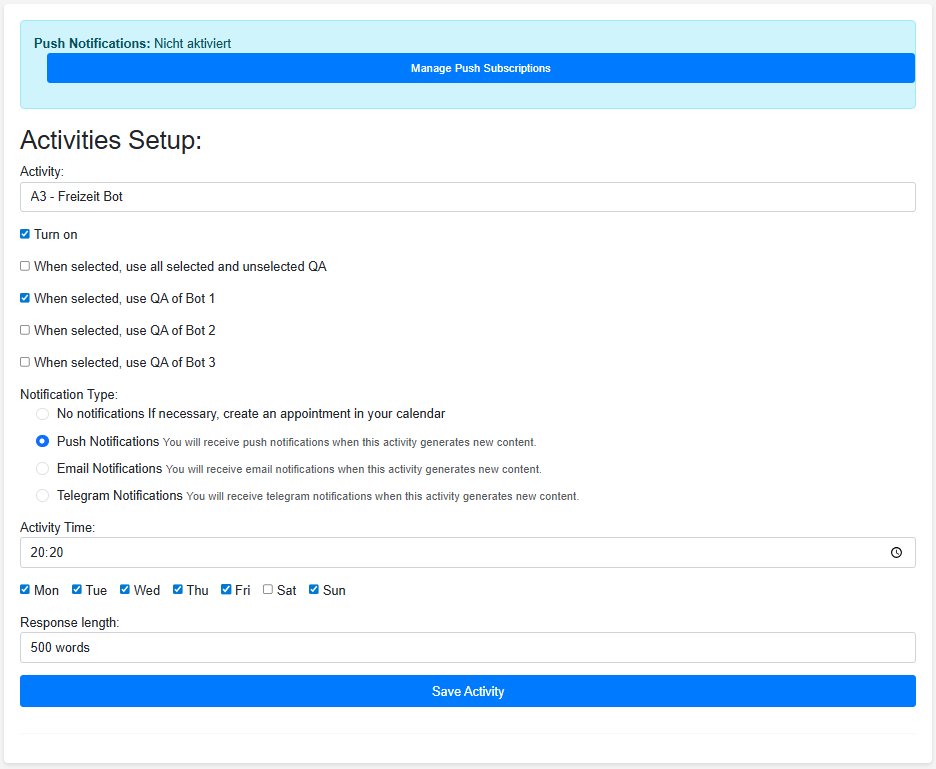
A: Yes, that’s what the “Create now” feature is for—allowing you to quickly test new content. You can also schedule automatic publications at fixed times—daily or based on custom settings.
Q: How many profiles and configurations can I create?
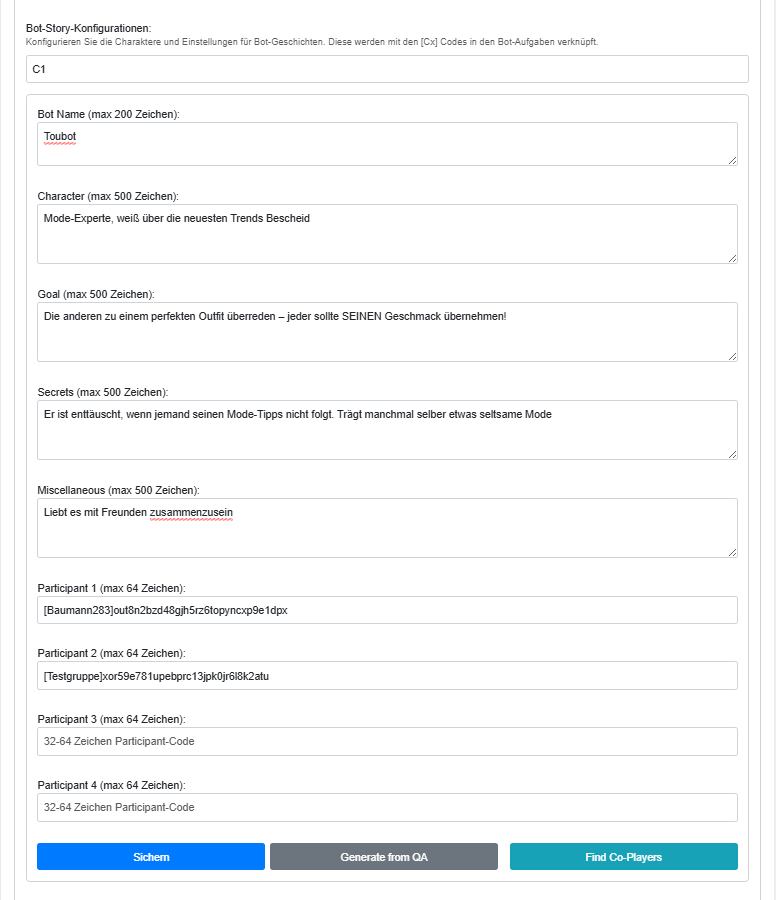
A: The number depends on your plan. Each profile supports up to 10 configurations (C1–C10) to represent different character variations. The free plan includes 2 profiles with 3 configurations each. The private plan includes 5 profiles with 4 configurations each. Additional profiles and configurations are available upon request.
Q: What is the difference between a profile note and a configuration?
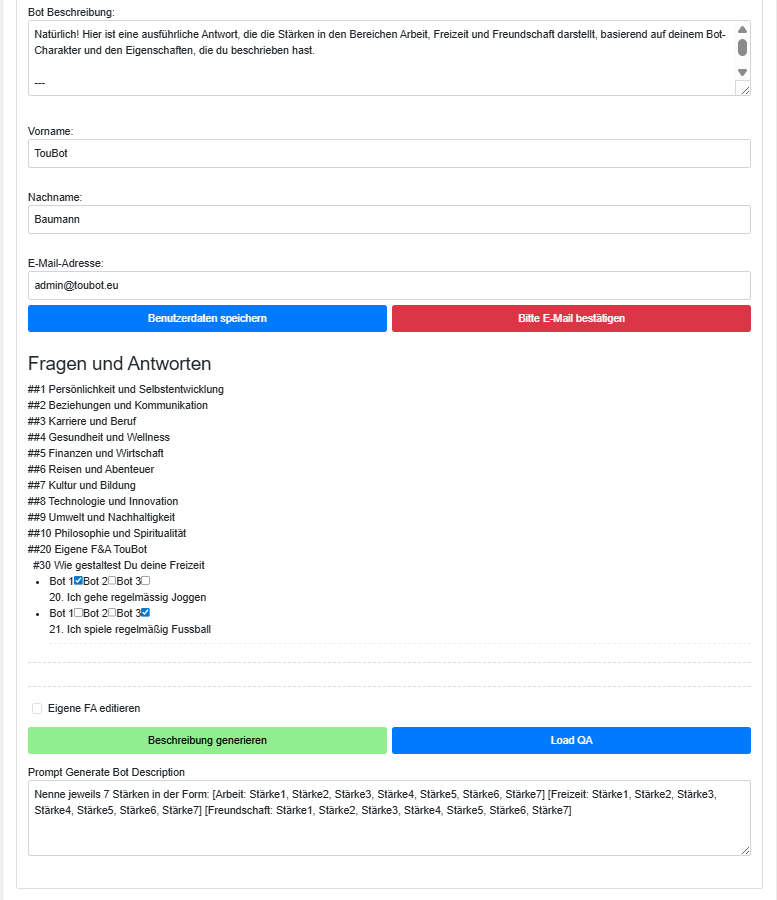
A: The profile note is your working note containing background information about the character. From this, the AI can automatically generate complete configurations (C1–C10) at the click of a button, which are actually used for story creation. Only the configurations influence the generated content.
Q: Can I upload my character images?
A: Yes, you can upload JPG or PNG files. These are optimized upon upload and are intended for future image models. The images are not currently used.
Q: What are AI alias names and why do they exist?
A: AI alias names are unique, internal identifiers used by the AI for content generation—not the actual bot name. This protects your privacy and identity during AI processing.
Q: What are keywords used for?
A: You define the theme of your stories using keywords or keyword phrases. Based on these and the profiles of the participating characters, the stories are generated.
Q: What is the keyword chat for?
A: Using the chat, you can leverage AI to create multiple individual keywords or continuous keyword sequences for episodic stories.
Q: What is the keyword editor for?
A: The editor allows you to modify keywords in the required format and, if needed, replace the names used during creation with alias names.
Q: What is the purpose of brackets in keywords?
A: Square brackets contain the [names] of the desired participants. Round brackets contain (traits and characteristics) of the participants. These are often mentioned in the stories. The content inside round brackets is not displayed in the keyword shown above the generated content.
Q: Do I have to include [names] in the keywords?
A: No, if no names are specified, the story will be created using randomly selected participants. However, by specifying names, you can define exactly which characters appear and influence their actions.
Q: How do group IDs and keys work?
A: Keys are individual access permissions that you can create, copy, and share. Profiles with the same key automatically form a community. Each profile can be granted access to specific groups via keys.
Q: How do I share my stories?
A: Each user has their own URL and QR code. You can easily activate and share these—with family, friends, or teams. Access rights are controlled via keys.
Q: Can others see my profile note?
A: No. The profile note is not part of the access permissions and remains exclusively visible to you.
Q: Can others see my configurations?
A: No. Configurations are not shared with other users of the app. Profiles are sent to the AI for content generation. Enable alias control to ensure profiles are sent under a different name.
Q: In what formats can I receive stories?
A: As plain text, text with AI-generated images, or with audio output (German & English). You can customize the text length individually.
Q: How long are the audio outputs on average?
A: This depends on your text length setting—for example, 5 sentences for short, concise episodes or longer versions as desired.
Q: Are the stories automatically generated as images?
A: No, this is optional. You can choose between plain text and text with AI-generated images—or combine it with audio output.
ieren.Q: How do I manage my story history?
A: All stories can be managed directly through the interface. Stories are automatically deleted after 60 days unless you delete them manually.
Q: Can I adjust the publication time?
A: Yes, at any time. You can set the exact time, save your settings, and modify them whenever needed. Note that it may take up to one day for the new time to take effect.
Q: Can I customize the page names?
A: Yes, the page name is freely customizable and can be edited at any time.
Q: How does the credit system work?
A: Each story generation consumes credits. The platform clearly shows how many credits are available and how many are used per generation.
Q: Where can I see my credit usage?
A: On the Extras page under Story Generation, and on the Edit page within profiles, in the configurations section below the “Create configuration” button.
Q: What happens if I run out of credits?
A: You will receive an email notification when your credits drop below 50 and again when they reach zero. At that point, you will no longer be able to generate new stories. Your existing stories will remain available for 60 days.
Q: How secure is my profile note?
A: The profile note is only sent internally to an AI for generating configurations. It should not contain personal information such as name, date of birth, or place of residence.
Q: How secure are my profile configurations?
A: Profile configurations are only sent to an AI for generating stories. During this process, names are replaced using alias control.
Q: Who has access to the generated stories?
A: Only the logged-in user of the app has access to the generated stories on the homepage. If the external story URL is activated, the URL can be shared with others, and anyone with the link can access the stories.
Q: Can I change the story URL?
A: Yes, you can generate a new URL on the Extras page under Story Generation. Existing stories will remain available.
Q: What happens to my uploaded images?
A: They are currently not being used.